
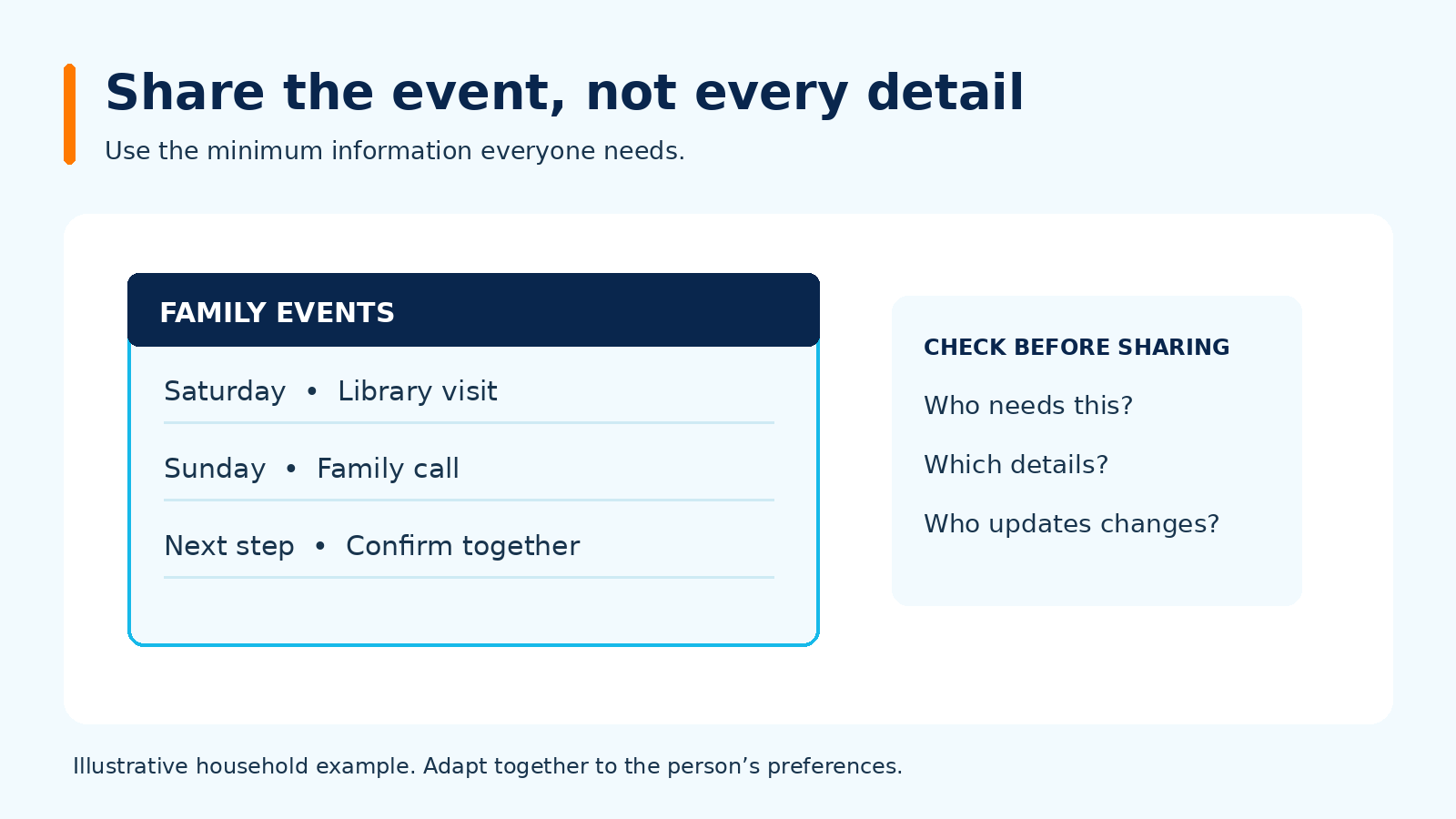
A family calendar can answer a modest question: “What have we agreed to put on the calendar?” It does not need to contain every place an adult relative goes or everything they plan to do.
Start with one shared purpose, such as remembering family birthdays, a planned lunch, or a gathering everyone has agreed to attend. Keeping the calendar small gives the person room to decide which details belong there. It also makes a printed version possible if that is what the household prefers.
Decide what belongs on this calendar
Ask the person which events they want included and who should see them. Someone might welcome a reminder about a family meal while keeping the rest of their week private.
Write a short scope statement: “This calendar is for agreed family gatherings.” That sentence can help relatives avoid adding unrelated appointments or assumptions about someone's availability.
Do not interpret an empty day as an invitation to make plans for the person. A calendar may be incomplete by choice. Ask before adding an event that involves them, even when the date looks open.
Choose paper or digital deliberately
A paper calendar can work well when it stays in an agreed household location and one person is responsible for updating it. Ask who else can see that location. A refrigerator door may be convenient but visible to visitors.
A digital calendar adds sharing choices that deserve a separate conversation. Google Calendar, for example, distinguishes between seeing free/busy information, seeing event details, and permissions that allow changes. Sharing also sends an email to the recipient. [1]
Those settings are not interchangeable. Google notes that broader permissions can override narrower ones; a public calendar cannot be made private for one viewer simply by assigning that person limited access. [2] The account owner should review actual settings before choosing any digital arrangement. No one needs to exchange passwords to plan a paper calendar.
Record agreement, not assumptions
Give every entry a short, understandable status. “Suggested,” “Confirmed,” and “Cancelled” are useful examples if everyone agrees what they mean.
For a confirmed event, record the date, start time, and only the location details the person wants shared. For a suggestion, write what still needs checking. Avoid filling a missing time with a guess.
Be especially clear when a family conversation contains several possible dates. An idea mentioned in a group message is not automatically a confirmed plan. Ask the person who proposed it which details are settled before copying it onto the calendar.
Use an entry that is easy to correct
Here is a fictional template:
- Event: family lunch.
- Date and time: to be confirmed.
- Status: suggested.
- Details the group may see: event name and agreed time.
- Who will check the missing detail: the person who proposed lunch.
- Last updated: ______.
Once everyone agrees, change the status and fill in the actual date. Keep private explanations off the shared entry. “Unable to attend” may be all that is needed; the person's reason does not have to become a group record.
Agree how changes will reach people
Choose one current version and one simple update method. If a printed calendar is replaced, remove the outdated copy from the agreed spot. If relatives keep their own copies, make clear who will tell them when a plan changes.
A calendar entry alone should not be treated as proof that everyone has seen an update. For a changed gathering, confirm with the people affected through the household's usual agreed communication method.
Before adding more features, ask whether this small calendar is doing its job. It should help people remember plans they chose together while allowing each person to keep the rest of their schedule their own.
When relatives also help with shopping, the shared grocery-list guide applies the same idea of keeping one current version.
Valiynt Health Group is preparing to offer Personal Assistance Services in Texas. Its HCSSA license is pending. Services are not available, and Valiynt is not accepting clients.
References
[1] Google Calendar Help, Share your calendar: https://support.google.com/calendar/answer/37082?hl=en (opened November 5, 2026).
[2] Google Calendar Help, Choose what others can do with your calendar: https://support.google.com/calendar/answer/15716974?hl=en (opened November 5, 2026).