
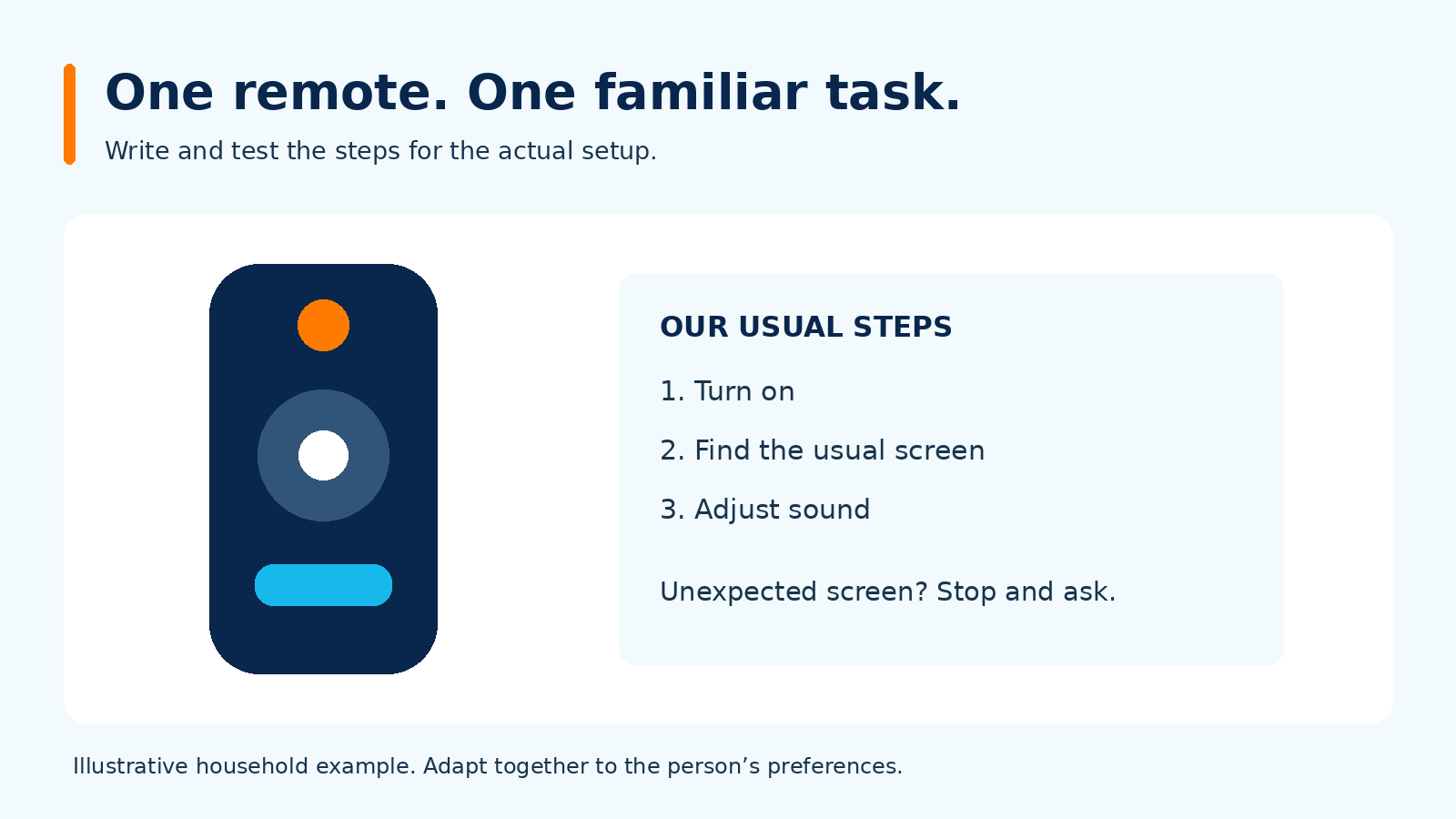
A television setup can involve a TV remote, a streaming remote, and buttons that look similar but do different things. If an adult relative wants a reminder, a short guide for their actual setup may be more useful than a page explaining every feature.
Choose one familiar task together, such as turning on the television and adjusting the volume. Keep the person's usual choices in place. The goal is to record a route they want to use, not reorganize apps, change subscriptions, or make the equipment behave differently.
Start with the person's preferred task
Ask, “Which part would you like written down?” Someone may know how to reach a favorite program but want a reminder about which remote controls the sound. Another person may want the whole starting sequence.
Watch the normal routine before writing anything. If the person prefers to demonstrate, let them lead. If they would rather watch, explain each step and confirm that it matches what they wanted.
Avoid adding features just because they are available. A useful guide can cover three buttons and stop there.
Match the guide to the actual remote
Place the remotes side by side and agree on plain names, such as “TV remote” and “small streaming remote.” Describe a feature the person recognizes, rather than relying on color alone.
Manufacturer guidance shows why this matters. Roku's simple-remote guide illustrates different controls on its player and TV remotes. The TV version includes controls such as power, volume, and mute, while a voice button identifies a different remote type. [1]
Those details are specific to Roku's documented models. Do not copy them onto a guide for another device. Check the household's own buttons and record only the sequence you have verified together.
Write one action on each line
Use the same button names that appear on the equipment or that the person already uses. If two remotes are needed, name the remote at the start of each relevant step.
Keep instructions concrete: “On the TV remote, press the power button” is easier to test than “Start everything.” Do not add a button combination you have not checked.
If pointing direction matters for the actual remote, include it. Roku says its simple infrared remotes need a clear line of sight to the device. [1] Other remote types may work differently, so this instruction should be based on the remote in front of you.
Test a short household card
Use this blank template, filling it in only after checking the setup:
- Task this card covers: ______.
- Remote to begin with: ______.
- Step 1: ______.
- Step 2: ______.
- Sound control: ______.
- Turn off: ______.
- If the screen looks different: stop and ask ______.
- Checked together on: ______.
For example, a household might discover that only its sound-control line needs clarification. It can keep a two-line card instead of filling every blank. Leave passwords, account names, purchase instructions, and subscription details off the page.
Let the reader test the wording
Place the guide where the person wants it and ask them to try the agreed task using the card. Give them time to read rather than talking over the instructions. If a step causes hesitation, adjust the wording together.
An unexpected screen is a reason to pause, not an invitation to reset equipment or sign into an account. Keep troubleshooting separate from this small writing task.
When the setup changes, check the card again. A guide is useful only while its steps match the equipment. The person should be able to request a shorter version, a different location, or no card at all.
If you need model-specific source material before writing the card, see finding and filing the correct appliance manual.
Valiynt Health Group is preparing to offer Personal Assistance Services in Texas. Its HCSSA license is pending. Services are not available, and Valiynt is not accepting clients.
References
[1] Roku Support, How to set up your Roku simple remote: https://support.roku.com/article/simple-remote-setup (opened November 5, 2026).